
Stop repeating yourself and start building—Gemini Advanced now uses your past conversations to deliver smarter, more personalized results.
- Contextual Continuity: Gemini can now recall details from previous chats, meaning you no longer have to re-explain your projects or preferences every time you start a new thread.
- Total User Control: You remain the architect of your data, with the ability to review, delete, or toggle off chat history at any time through your activity settings.
- Exclusive Initial Rollout: This feature is currently launching in English for Gemini Advanced subscribers, with broader language and enterprise support coming soon.
For anyone who has used an AI assistant extensively, the “blank slate” problem is a familiar frustration. You spend hours meticulously detailing a project or refining a specific tone of voice, only for the next session to feel like you’re introducing yourself to a stranger. That era of digital amnesia is officially coming to an end. Starting today, Gemini can now recall your past chats, transforming the AI from a transactional tool into a true long-term collaborator.
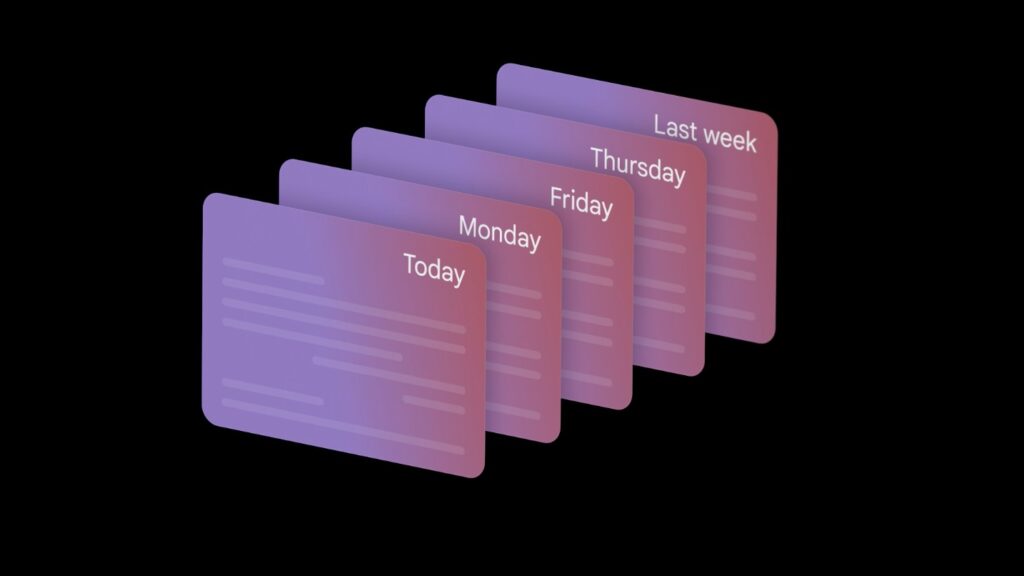
A Seamless Workflow Without the “Reset”
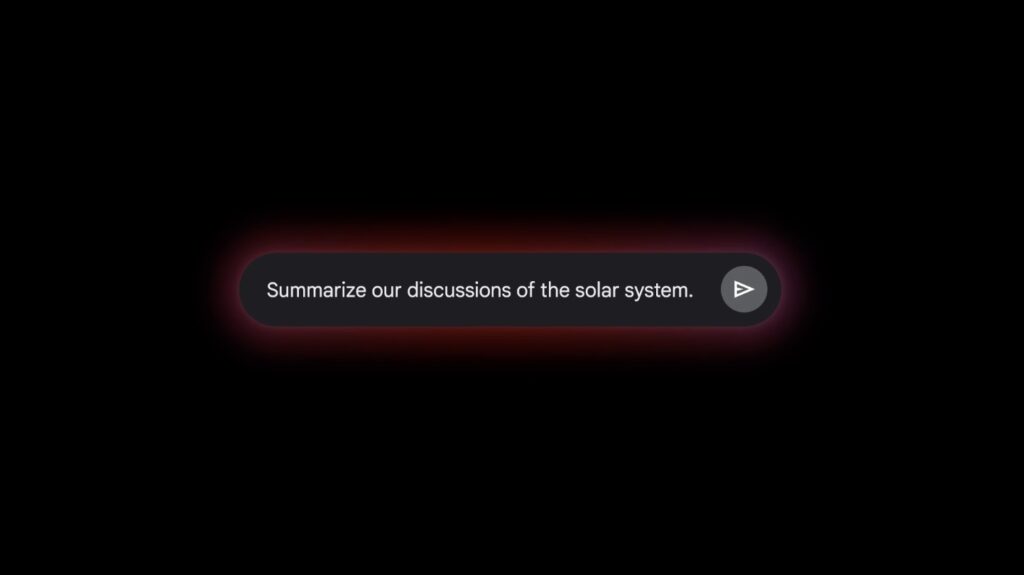
The core value of this update lies in efficiency. By utilizing information from relevant past conversations, Gemini can now craft responses that are deeply informed by your history. Whether you are asking for a summary of a brainstorm held last week or building upon a complex coding project started last month, the need to “start from scratch” has evaporated. This isn’t just about convenience; it’s about continuity. You can now treat your chat history as a living library of your ideas, allowing the AI to connect the dots across multiple sessions without you having to manually dig through old threads.
Putting Privacy in the Driver’s Seat
With great memory comes the need for great oversight. Google has placed the user firmly in control of what Gemini remembers. You have the autonomy to decide how long your chat history is stored and can easily review or delete specific interactions. For those who prefer a temporary footprint, the Gemini Apps Activity setting allows you to turn off history tracking altogether. Transparency is also a priority: when Gemini draws on your previous discussions to answer a prompt, it may indicate this within its sources, so you always know exactly where the information is coming from.
Who Gets Access and What’s Next?
This enhanced memory feature is currently rolling out to Gemini Advanced subscribers (available via the Google One AI Premium Plan) on both web and mobile platforms. While the initial launch is focused on English-speaking users, the horizon is much broader. In the coming weeks, Google plans to expand this capability to more languages and extend the feature to Google Workspace Business and Enterprise customers. This evolution marks a significant step toward an AI that doesn’t just process data, but understands the ongoing narrative of your work and life.