
Microsoft’s flagship productivity hub gets a massive makeover, signaling that AI is no longer an add-on—it is the destination.
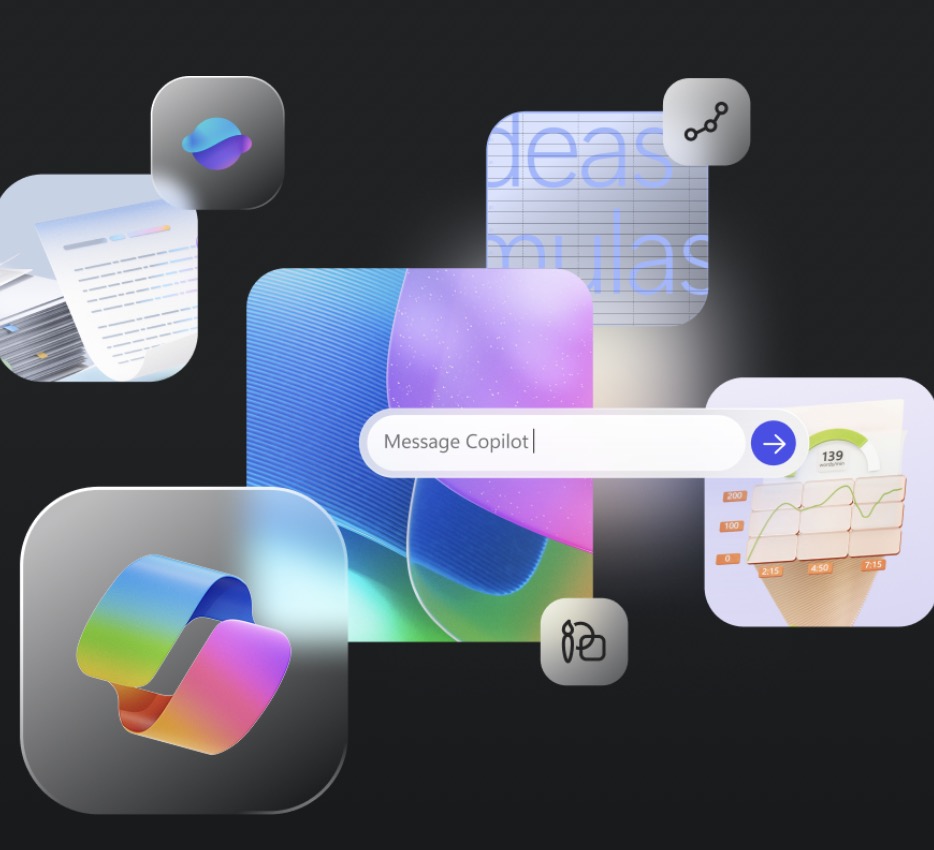
- A Unified Identity: The “Microsoft 365 (Office)” app has been officially renamed the Microsoft 365 Copilot app across Windows, mobile, and the web, complete with a new icon and a unified URL structure.
- Productivity + AI: The app remains the central hub for Word, Excel, and PowerPoint files but now centers the user experience around AI-driven tasks like drafting content, asking questions, and building agents.
- Access Tiers: While the branding changes for everyone, functional access to Copilot Chat within the app depends on specific subscriptions for both enterprise and personal users.
For decades, Microsoft’s identity was defined by a folder of distinct tools: Word for writing, Excel for numbers, and PowerPoint for presenting. In recent years, that identity shifted to “Microsoft 365,” a cloud-based collection of services. Now, starting January 15, 2025, Microsoft is making its most aggressive pivot yet. The “Microsoft 365” app is transitioning to the Microsoft 365 Copilot app, a move that fundamentally redefines the digital workspace as an AI-first environment.
This isn’t just a cosmetic paint job; it is a signal that in Microsoft’s view, the starting point for work and life is no longer a blank page, but a conversation with artificial intelligence.
The transition affects the entry point millions of users rely on daily. The app formerly known as “Microsoft 365 (Office)” has updated its name and icon across all endpoints: iOS, Android, Windows, and the web.

More Than Just a Name Change
While the branding is new, the utility remains grounded in familiarity. The Microsoft 365 Copilot app continues to serve as the “everyday productivity app.” Users can still find recent files, share documents, and launch their favorite applications like Word and Excel.
However, the workflow has evolved. The update integrates Copilot directly into the interface, changing how users approach tasks. Instead of navigating folders to find a document to edit, users can utilize Copilot to:
- Ask questions across their data.
- Draft documents and create content from scratch.
- Build custom agents (for work accounts).
This shift moves the user experience from passive file management to active, AI-assisted creation.
Who Gets Access to the AI Features?
Microsoft is rolling out the name change to everyone to ensure branding consistency, but the functionality varies significantly based on your account type.
For Work and School (Entra Accounts): Users with a standard Microsoft 365 license gain access to Copilot Chat at no additional cost. Those with a specific Microsoft 365 Copilot license will see even deeper integration.
For Personal Accounts: This is where the distinction is sharpest. The Copilot Chat feature within the app is reserved exclusively for Microsoft 365 Personal, Family, and Premium subscribers (specifically the primary account holders). Users on free accounts will see the new “Microsoft 365 Copilot” app name and icon, but they will not have access to the Copilot Chat features inside it.
Note on Regional Availability: In regions where Microsoft Copilot is not yet supported, the app will still adopt the new “Microsoft 365 Copilot” name and branding. However, the specific “Copilot” tab will be removed from the Home screen interface.
The Two Copilot Apps
Perhaps the most confusing aspect of this transition is the existence of two similarly named applications. It is vital to understand the difference:
- The Microsoft 365 Copilot App (The Subject of this Update): This is your comprehensive productivity hub. It allows you to find/edit files, scan PDFs, access Word/Excel, and use AI. It supports both Work/School and Personal accounts.
- The Standalone Microsoft Copilot App: This is a dedicated AI companion focused purely on conversational chat and learning. It is designed for everyday life and is available only for Personal Microsoft accounts.
The transition to the Microsoft 365 Copilot app represents the final step in moving away from the “Office” moniker and fully embracing the era of AI. If you are a current user and do not yet see the changes, Microsoft recommends ensuring you are connected to the internet and restarting the app.
By consolidating file management, classic applications, and generative AI under one roof, Microsoft is betting that the future of productivity isn’t just about what you can type—it’s about what you can ask.